Take your first order
Place a test order, watch it print and move it through to done.
Updated November 17, 2026
Place a test order
- On a tablet in Counter POS mode, sign in with your PIN.
- Tap an item, choose its options and tap Charge.
- Choose Cash for a test. To test a card reader, see Card readers.
You can also open your online ordering link on your phone and place an order there.
What you will see
- The kitchen ticket prints at the right station, or shows on the kitchen screen.
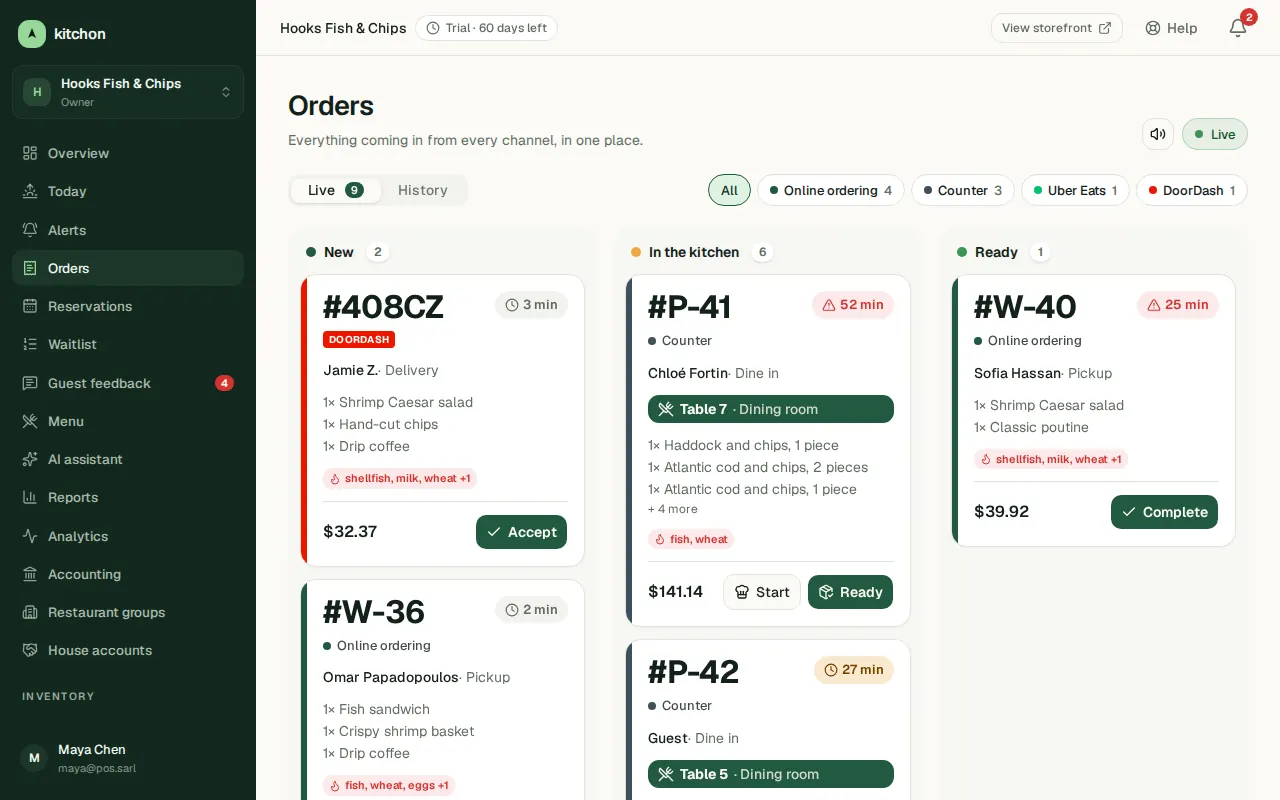
- The order appears in Orders in the dashboard.
- On a tablet in Order hub mode, online orders wait in the queue. Tap Accept, then Mark ready, then Picked up.
Clean up the test
Open the order in Orders and cancel it (Cancel order) or refund it (Refund) so the test does not count in reports.
Common problems
- Nothing printed. See Set up printers and routing.
- I cannot sign in on the tablet. Create a PIN for yourself: see Invite your team and set PINs.